


‘When you have a loyalty program without communications, you are just giving away margin because you didn’t create an extra visit. TalkBox loyalty communications are all about using the investment you have already made in your loyalty program to drive more visits, increase average transaction value and smooth demand.’ Impact Data CEO, Lachlan Opray said
When your TalkBox account is connected to your loyalty program, this powerful combination can help you drive more visits, more often and increase the return on your loyalty investment.
To help you create the most impact with your loyalty messages, we have put together this best practice guide.
Creating Loyalty Messages with Impact!
- Loyalty statement
Personalise your communications by adding details of your customers’ loyalty status and rewards. From Points Balance, Number of Stamps or Current Tier, keep customers informed of their progress and make every email about them.
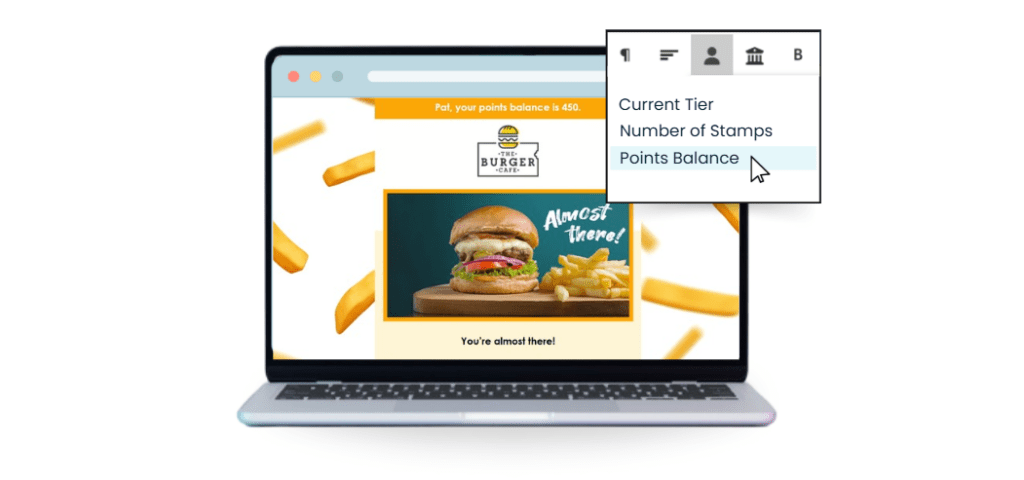
Top Tip: If you have a fixed reward point on your program, create a Formula Field to show how close your customer is to the next reward or tier.
- Merge Fields
Every field stored on a contact can be added as a merge field in communications. A number of the loyalty fields are valuable in creating a more personalised experience for your customers. This may vary slightly based on your connection.
Fields such as:
- Member Number
- Last Visit Location
- Last Visit Date
- Points Balance
- Member Tier
- Formula Field – Points/Stamps to Next Reward or Tier can all create a more engaging and personalised experience for members.
- Subject Lines and Pre-Headers
The subject line in any communication is critical to its impact, and that’s true of your loyalty communications. These will often contain offers or a call to action about a short-term promotion, but don’t be tempted to be ‘spammy’ in your communication.
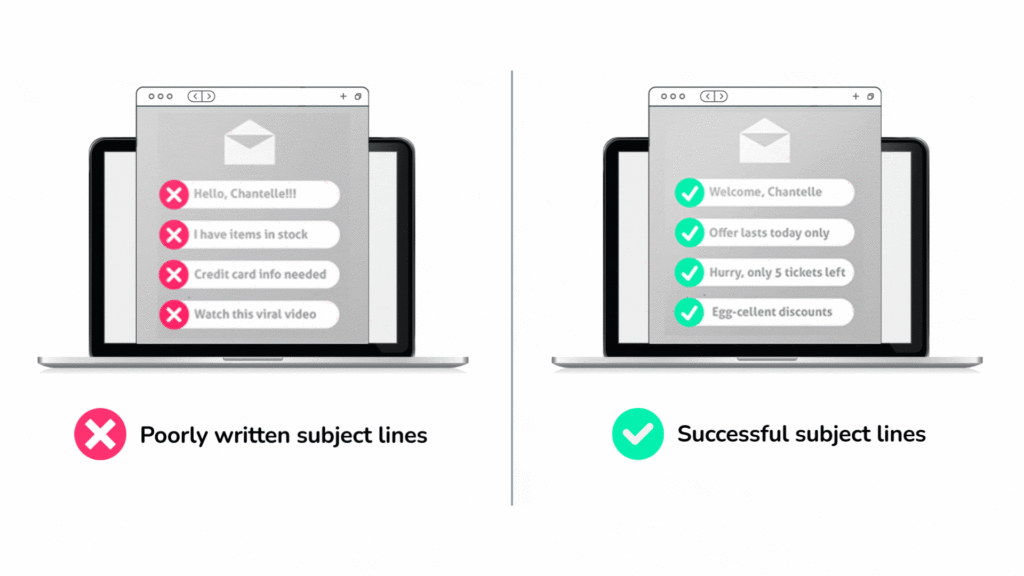
Remember: this customer opted into your loyalty program, signed up for communications and wants to hear from you, so make sure the Subject Line and Pre Header are engaging and aligned to the value of the program.
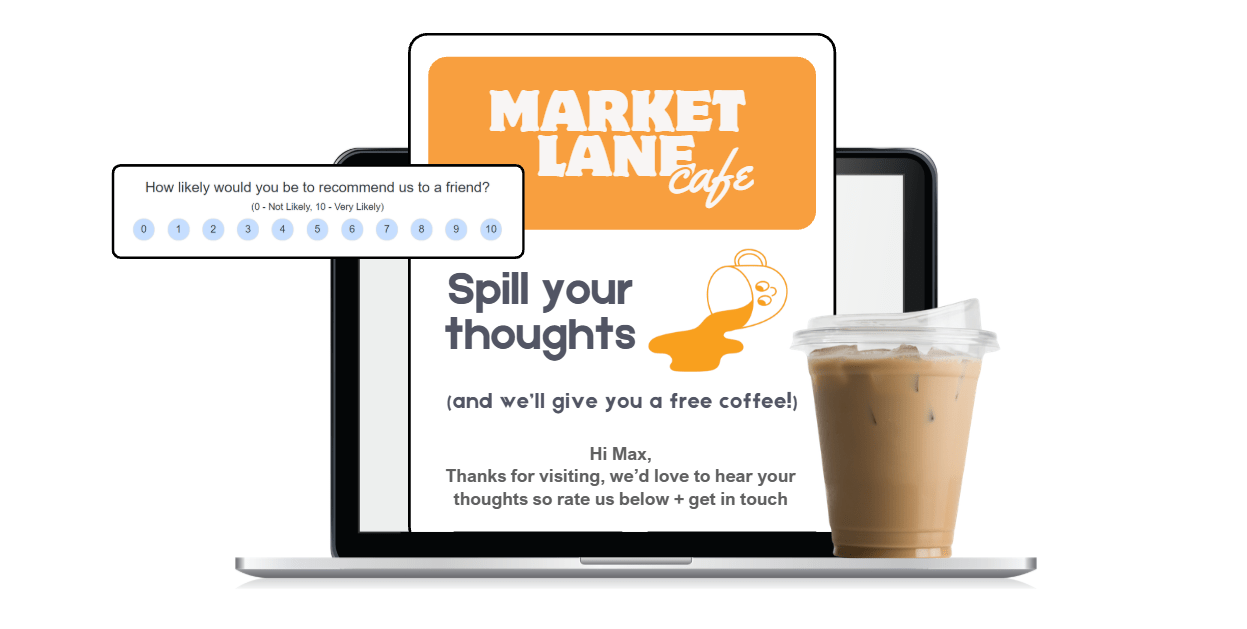
- Strong Call to Action
Don’t be shy! Tell your customer what you want them to do, from ORDER NOW to GIVE FEEDBACK, make it clear. Buttons are a clear signal to act and a good, visual clue if a reader skims the message. Consider more than one location for your call to action and be clear about the benefit, e.g., ORDER OUR NEW PIZZA NOW. The placement is also important; don’t assume a customer will scroll to the bottom of the email. Most communications are opened on a mobile device, so ensure your main call to action is visible on the opening screen.
- Vouchers or Offers
Be clear about how customers can redeem rewards when sending vouchers. From scanning at a kiosk to checking their member profile in an app, help customers understand how to redeem their vouchers easily.
TalkBox has a series of voucher messages that can be configured if you are using TalkBox vouchers. Adding a Reminder, Redemption or Expiry Message can significantly improve redemptions and customer sentiment.
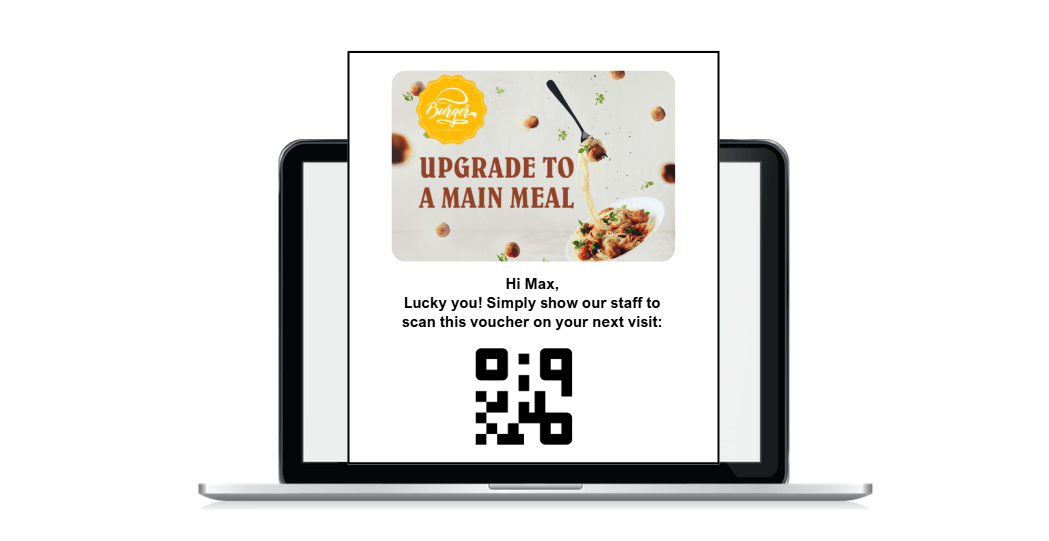
Top Tip: If you have online ordering, consider adding an animated GIF showing how to redeem their reward.
- Terms and Conditions
If your communication contains an offer, ensure you have an explicit set of terms and conditions. Include any restrictions for the offer or timing. TalkBox vouchers are single-use and must be redeemed in one transaction, but it’s good practice to make that clear.
Top Tip: Setting up a Section for your Terms & Conditions is a helpful way to make sure they are consistent.
- Loyalty Rules
Particularly in the early stages of your relationship with a new member, it’s a good idea to include a Section about how your program works.
Informing customers about how to earn & redeem their rewards is an important part of building trust and excitement early.
- Add your Personality
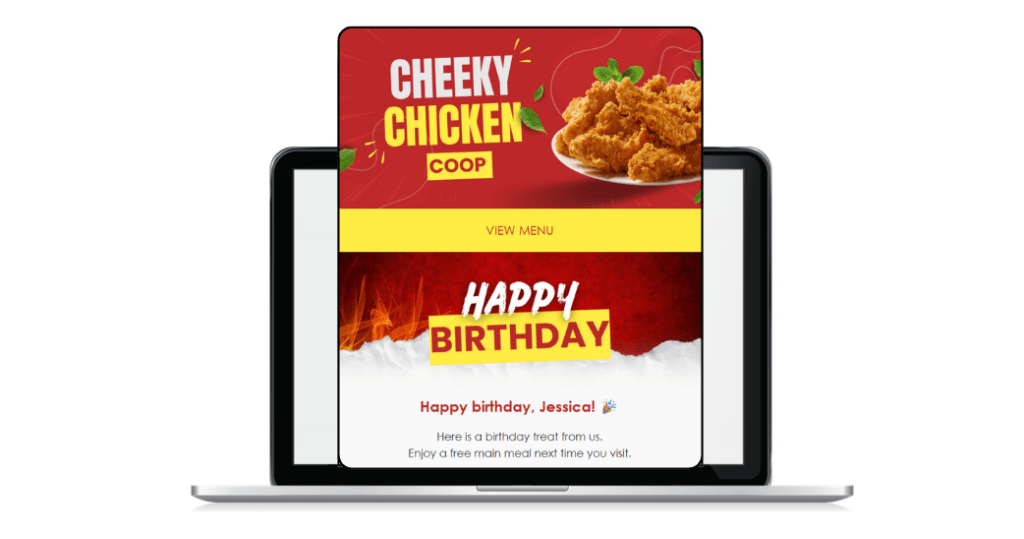
From images to tone of voice, bring the personality of your loyalty program to your communications. TalkBox can support animated GIFs to create movement and interest, and stop the scroll!
- Maximise your Reach
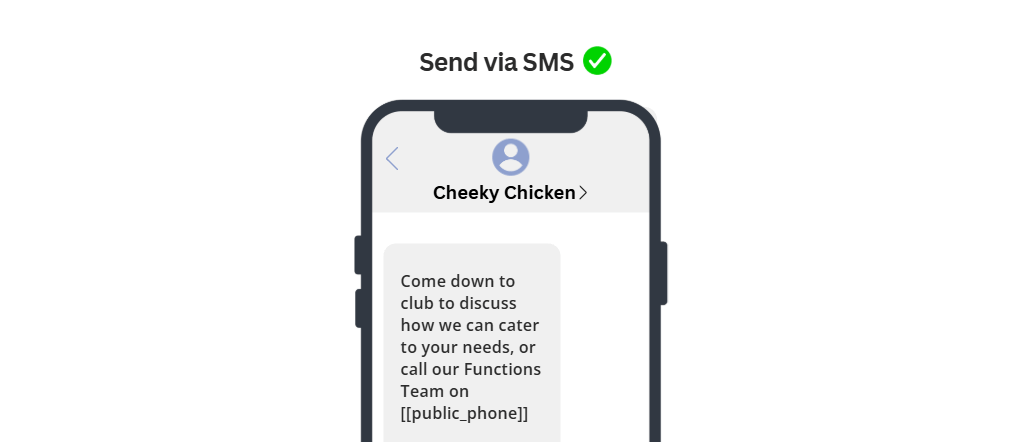
Sending your messages by email, SMS and Push where available allows you to not only maximise the reach of your communications, it honours the choices the customer has made about what channel they want to connect in.
- UTM Codes
Our latest TalkBox feature, UTM codes, is a great way to help you measure the success of your loyalty communications. Adding trackable codes to different parts of your email will help to understand the impact of your links, images and call to action buttons. Learn more about TalkBox UTM Codes here.
- Review your Success – TalkBox Analytics
Whilst TalkBox can definitely be ‘set and forget’ that doesn’t mean you shouldn’t review performance, engagement and success metrics. Coming Soon: Our TalkBox Analytics feature is a critical tool to help you ensure that your messages are hitting the right mark and impacting your business and bottom line.
Need help setting up Loyalty Messages in your TalkBox account?
Contact us at support@impactdata.com.au.
