


Email marketing remains one of the most effective ways to engage an audience, drive sales and customer retention. In 2026, we expect AI to have a significant impact on how customer inboxes are managed, and emails are prioritised for reading. We know that Gmail accounts will soon have more Gemini features rolled out, and over 50% off all TalkBox emails are Gmail accounts. These AI assistants and readers are likely to evolve and change, but the core principles of good email marketing have always been consistent.
In order to ensure that your email continues to meet your objectives, we have created this TalkBox Email Best Practice Guide.
1. Start with your objective
When you begin to design your communication, keep your core objective top of mind and easy for your audience to understand and act on. If your communication is just designed to inform e.g. letting customers know about a new menu item or an update to parking arrangements, still consider having a clear call to action. Things such as offering Feedback or following social media pages for updates are clear objectives that can help understand the effectiveness of your communication.
2. Get my attention with Subject Lines and Pre-Headers
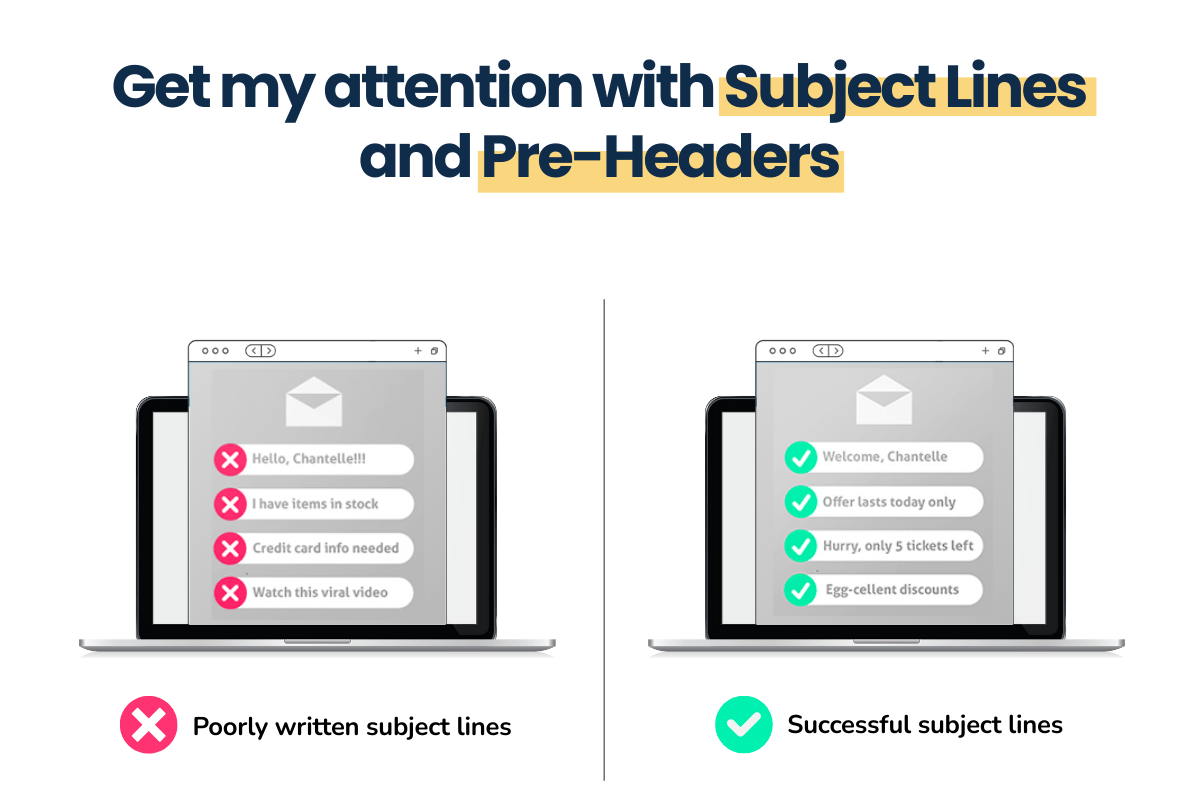
A well crafted Subject Line is critical to getting your readers’ attention, and in the world of AI-assisted inboxes, it’s likely to be even more important.
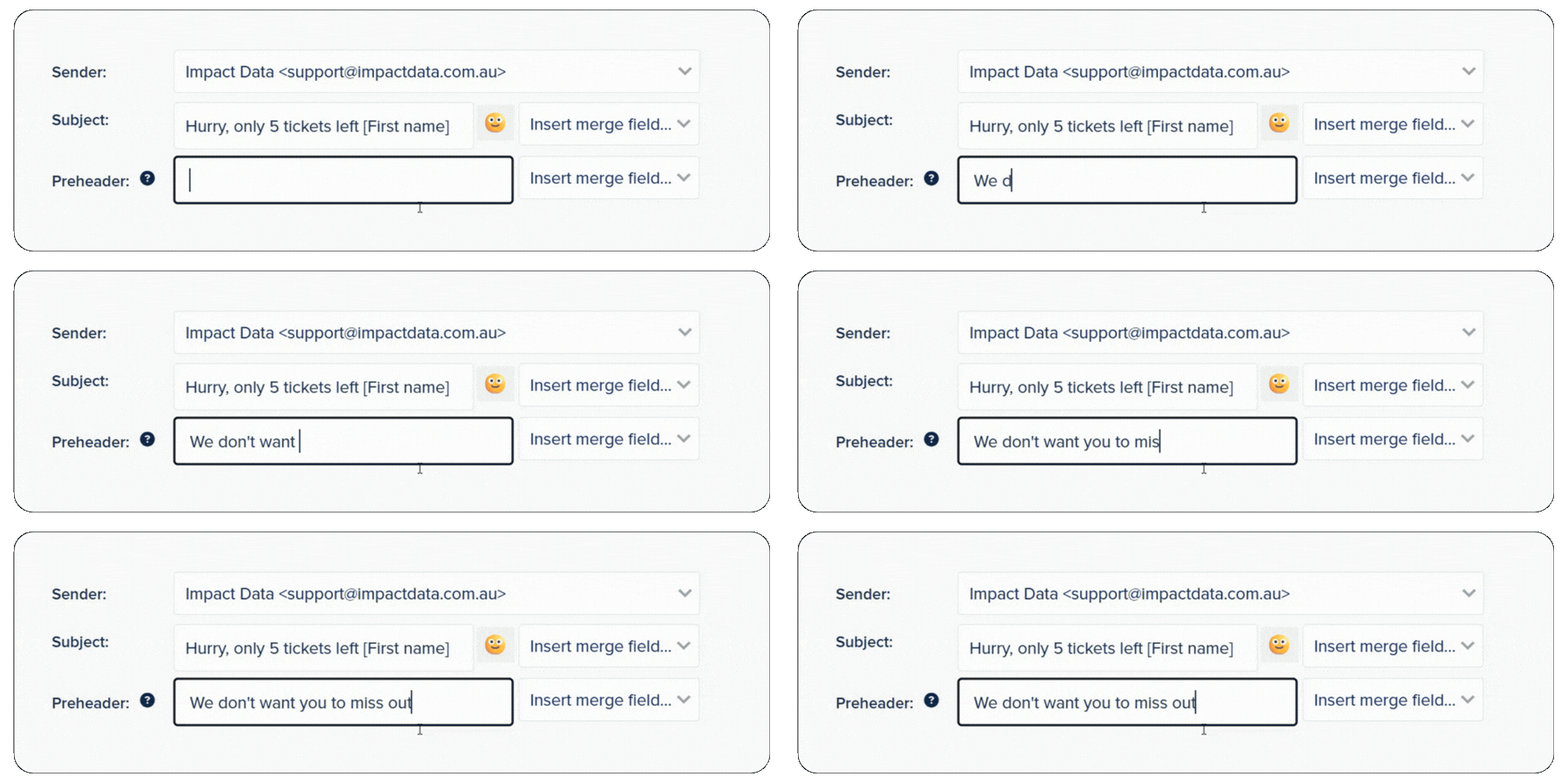
TalkBox also allows you to add a Pre-Header, which is an additional insight into the objective of the communication. Always make sure you add a Pre-Header to help get your email campaign prioritised.
3. Size is Important
Emails are designed to be short, sharp and to the point. Sending lengthy communications and newsletters can mean the message and key call to action is lost. If you want to send a client newsletter that has numerous sections and detailed content, this is better hosted in a blog or on a website and the email is used to summarise the content and get customers to click the link.
If your email needs to be longer, consider adding an executive summary or highlights section to ensure your reader and the AI assistant don’t miss important information.
4. Use Header Blocks and Text Formatting
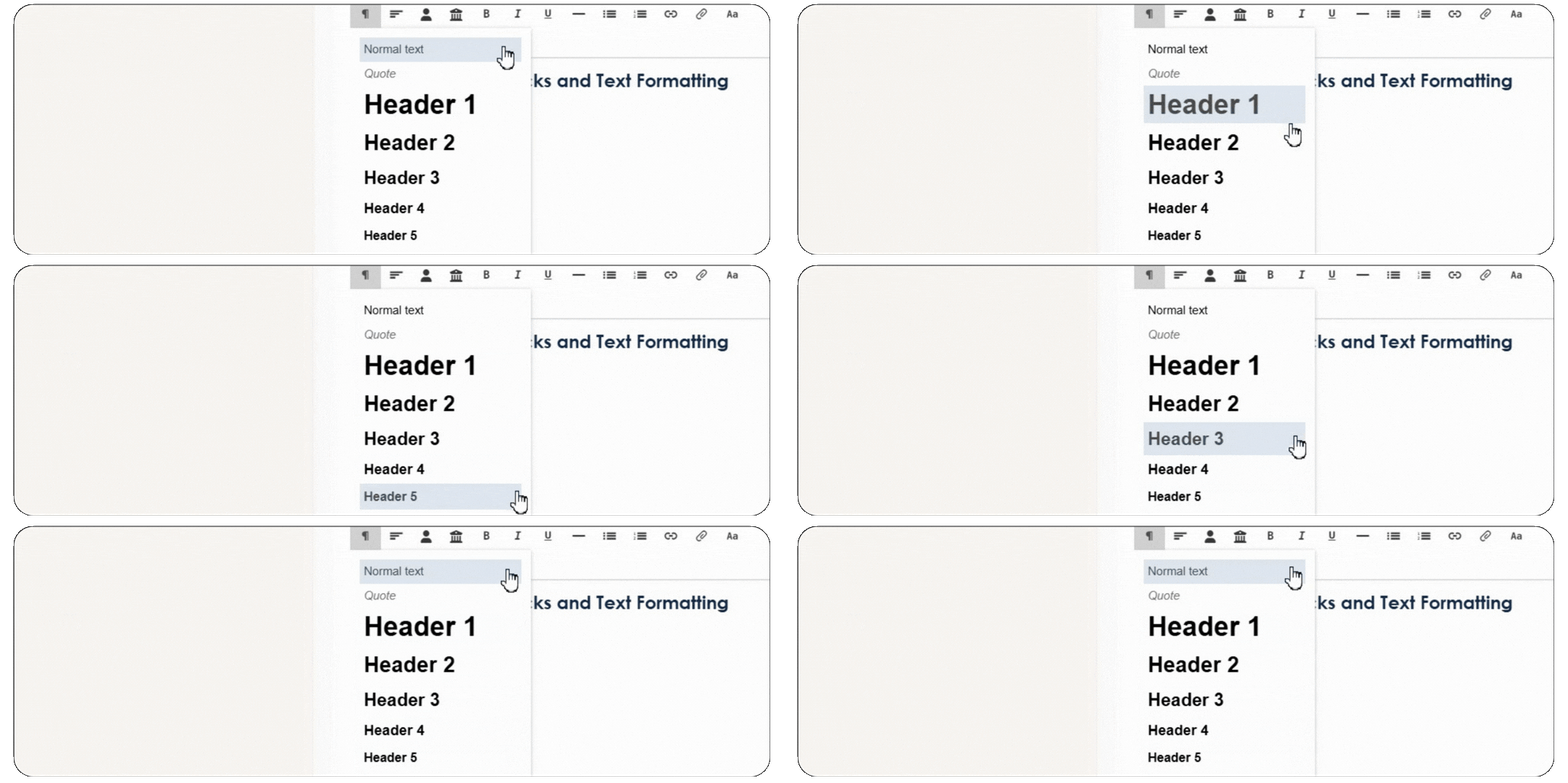
Similar to H1 tags on your website, TalkBox has the functionality for you to mark text as a Header, Sub-Header or normal Text within a header or text block. This is important to help AI Readers understand the key messages you are trying to convey.
5. Words REALLY matter
At this stage, most AI engines that are reviewing your email content will struggle to understand images. In fact best practice for emails is that at least 60% of your email should be words rather than images.
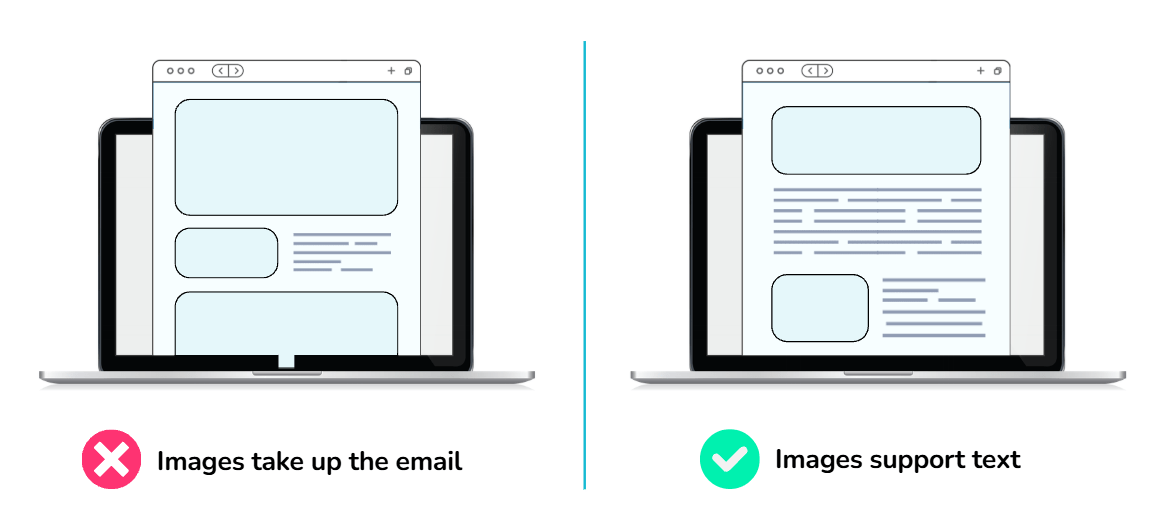
So if you use image-only or image-heavy emails, you will struggle to get your emails to hit the mark and get noticed.
6. Use TalkBox Tools to help AI understand your images
When you add an image to your canvas by dragging an image block you can also add a link or Alt text.
Readers often click images, so it’s always a good idea to add an appropriate link to the image. This can be a link to your website, a particular page on your site or even your reservation link.
Adding Alt Text to your image is actually best practice. It helps customers who are vision impaired understand your image, can assist your audience if the image doesn’t load and is rarely added by spam email creators.
With AI, your Alt Text will become even more important, as this will help the AI bot to add more context and understanding to your email.
7. Don’t hide the headline – have a clear call to action
When you design your communication, think about the action you want your customers to take and make it easy, obvious and near the top of the communication.
Consider creating a TalkBox Section for your Order Now or Book Now links to ensure it’s clear to the reader and the AI assistant the action you want them to take. Don’t bury your links in the body of the text, and consider being specific, e.g., BOOK NOW for Saturday.
8. If you have an offer, be clear about how to redeem it.
Many TalkBox customers take advantage of our powerful voucher integrations and vouchers are usually sent as a QR or Barcode. That means it’s important to be clear about how customers need to redeem their vouchers, what the offer is and the expiry date or conditions.
A good idea is to ensure every voucher you send has
- A Header Block to highlight the name of the offer
- A description text block that explains how to redeem the offer and details of it’s value
- A terms and conditions block that clearly outlines the key rules about redeeming the voucher
- If you are setting up Reminder Messages, remember to repeat the tips above.
9. Create Urgency with Dates
If your email contains a limited-time offer or a call to action for a particular event, ensure that the date is clearly stated. This is one of the early changes we have noticed with Promotion Tabs on Gmail. Emails with a clear date of the end of the sale or offer will have that date highlighted in the inbox.
The team at Impact Data continue to update our customers and partners about best practice via our TalkBox Newsletter. If you aren’t subscribed, email us at hello@impactdata.com.au.
